OneSigner 2026.10.11: Free Trial Inside the App, Trusted Timestamps and LTV, Acrobat-Valid Browser Signatures
Start the 30-day trial from the app with your email; PDF profiles get a timestamp server and LTV so Acrobat shows signatures as valid long-term; browser signatures now validate in Adobe Acrobat.
OneSigner 2026.10.10: Tokens Sign With the Saved PIN, Plus Free PDF Signing at onesign.sg/sign
USB tokens now sign through the vendor PKCS#11 module with the PIN saved in your profile, no PIN window; a wrong PIN stops after one attempt; OneSignerBridge 1.1.0 adds an optional PIN; and a free public page to sign PDFs with your own token.
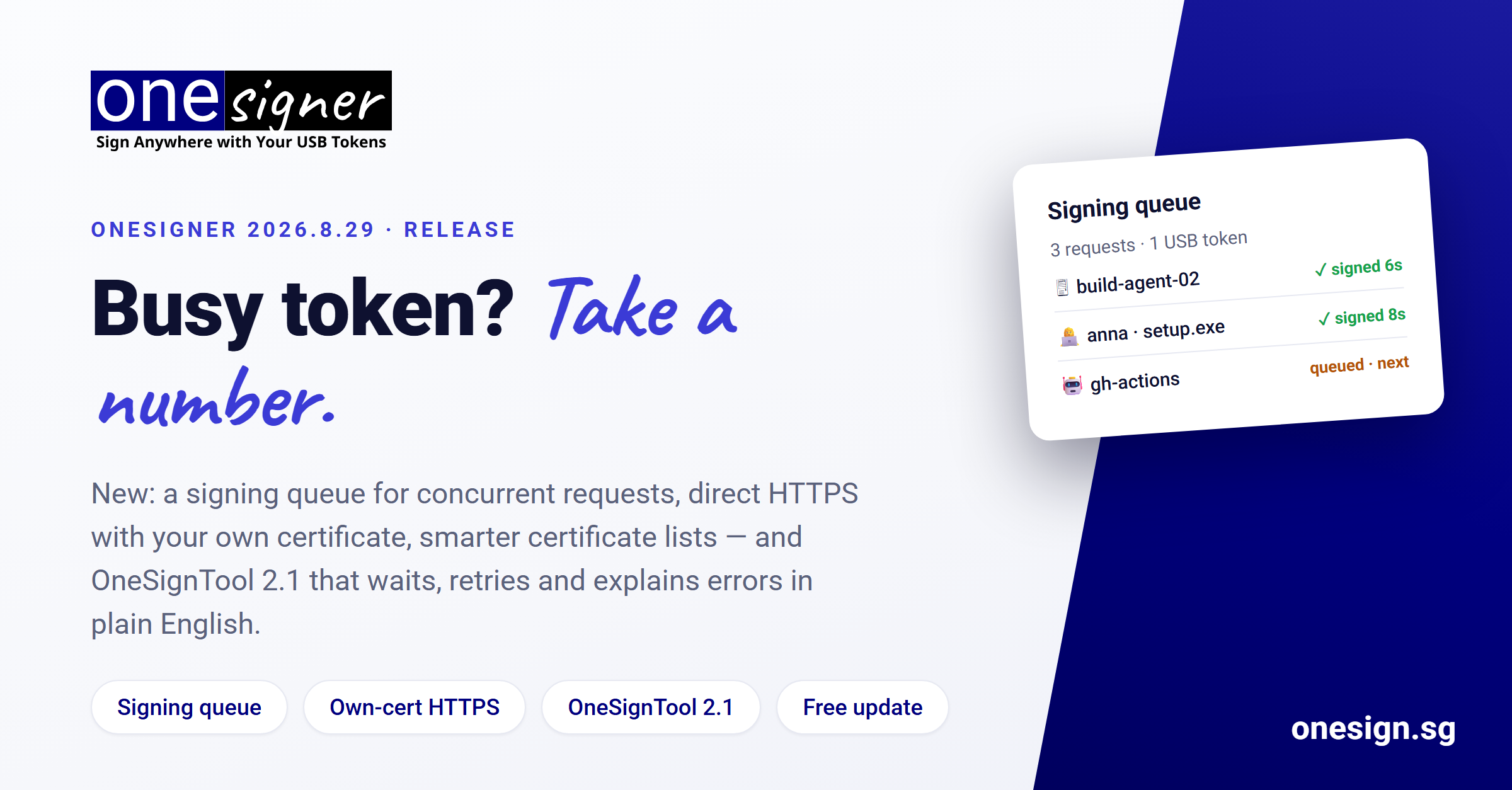
OneSigner 2026.8.29: Signing Queue, Bring-Your-Own-Certificate HTTPS, and OneSignTool 2.1
Concurrent signing requests now queue for the USB token instead of failing; self-host over HTTPS with your own certificate; certificate lists show token type, key, purpose and expiry; OneSignTool 2.1 waits, retries and explains errors in plain English.
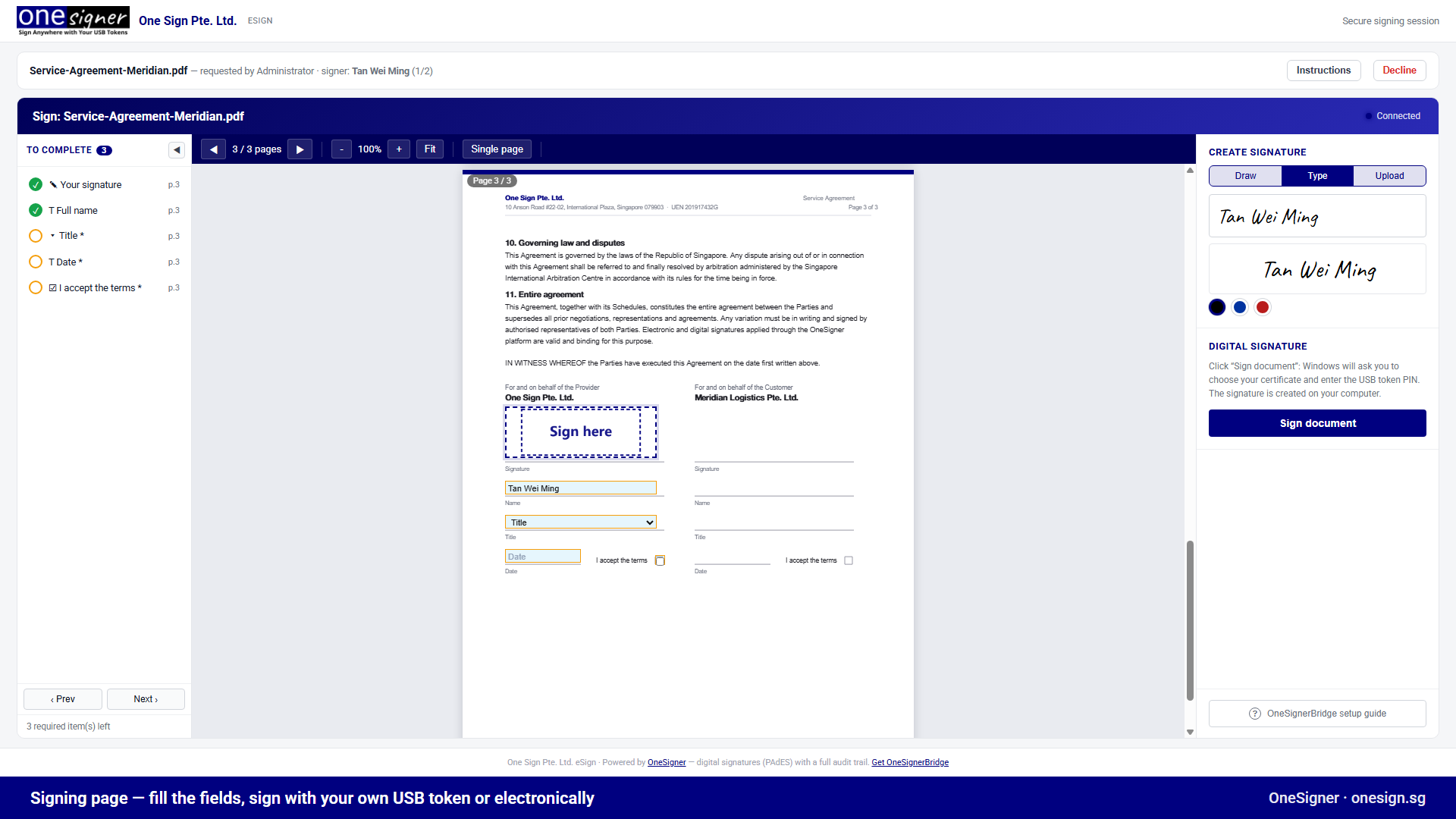
A DocuSign Alternative Where Signers Use Their Own USB Tokens
Self-hosted send-for-signature with real digital signatures — including each signer's personal hardware token — and no per-envelope fees.
OneSigner Today: PDF Signing, Code Signing and a Full eSign Portal in One Platform
From automated PDF signing to Windows code signing to a complete send-for-signature portal — what the OneSigner platform includes now.
OneSigner vs. the Alternatives: An Honest 2026 Comparison
Cloud e-signature suites, enterprise signing servers, budget desktop tools and cloud code-signing services — where OneSigner fits and where it doesn't.